
The $400 Order That Lost Its Profit Before It Shipped
It was a Thursday, 4:45 p.m. A customer emailed a logo for 250 polo shirts. The file was a screenshot from a website. Soft edges. Tiny text. A white box around it.
The account manager said, "Looks fine. Send it to production."
Two days later, the proof came back with fuzzy edges. The embroidery sample puckered. The customer asked for changes. The shop reran the job and ate the cost. A $400 order lost its profit before a single shirt shipped.
Sound familiar?
Customer-supplied artwork looks free. It is not. Every weak file you accept carries a hidden price, and you pay it in labor, rework, delays and unhappy customers. This guide shows where that money goes, and how to stop the leak.
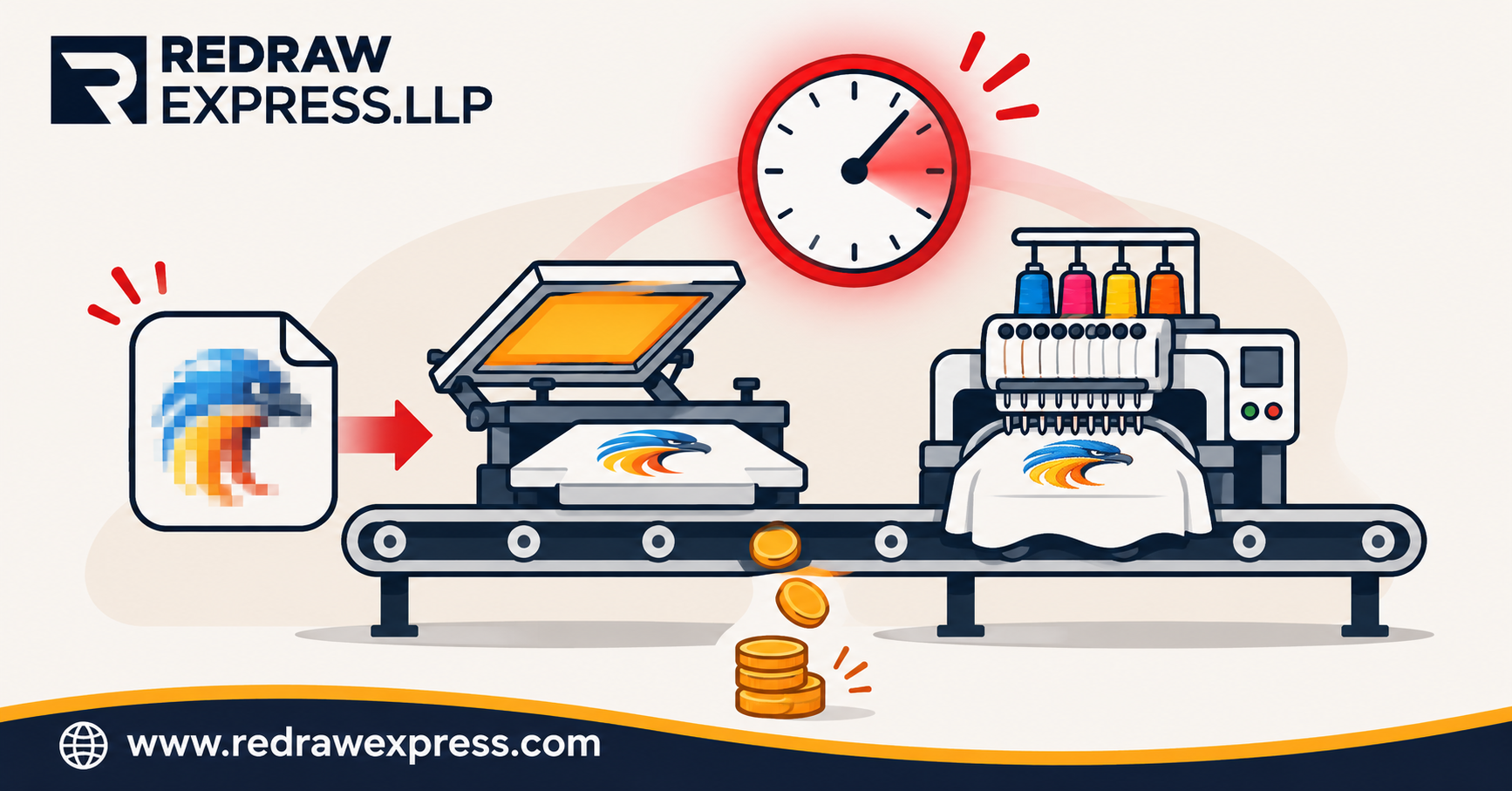
The Hidden Cost of "Just Use the File They Sent"
Most shops track material cost, labor cost and shipping. Few track artwork cost. That is the problem.
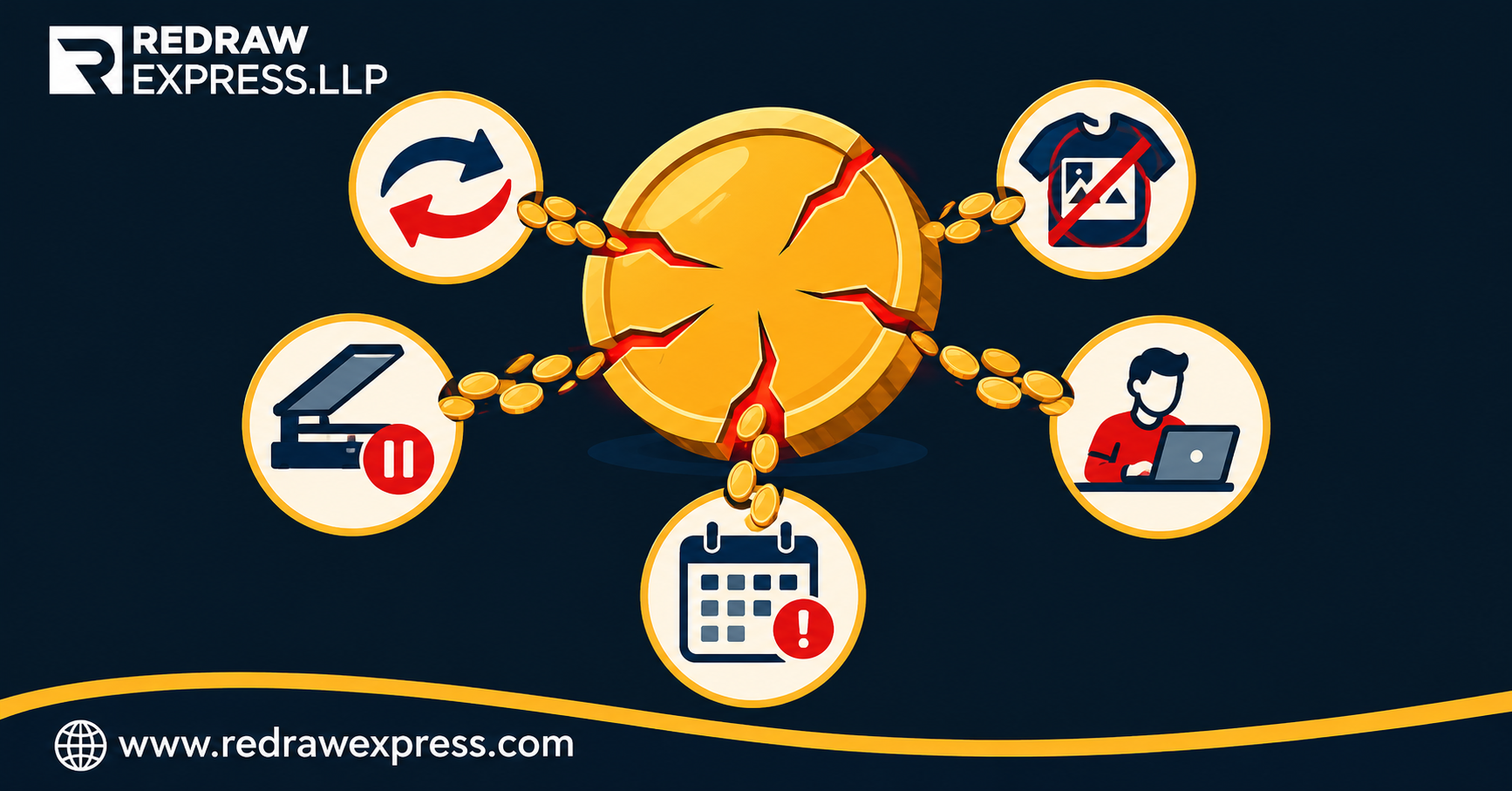
When a customer sends weak artwork, the cost shows up in five places.
1. Rework and Back-and-Forth
Someone has to open the file, spot the problem, email the customer and wait. Then the customer sends a second file that is no better. Each loop burns staff time that no invoice line ever recovers.
2. Rejected Proofs and Reprints
A blurry logo reaches the screen, the press or the embroidery machine. The result looks wrong. You reprint, restitch or discount. This is the most expensive failure, because it uses real material.
3. Idle Production Time
A press waiting on corrected art is a press not earning. One stuck job can push three others back.
4. Senior Staff Doing Junior Work
Your best production person ends up redrawing logos. That is a poor use of an expensive hour.
5. Slow Turnaround and Lost Repeat Orders
Customers do not remember why the job was late. They remember that it was.
Add these up across 20 or 30 jobs a month, and the "free" artwork becomes one of your largest hidden expenses.
What Bad Customer Artwork Usually Looks Like
You have seen these files. Everyone has.
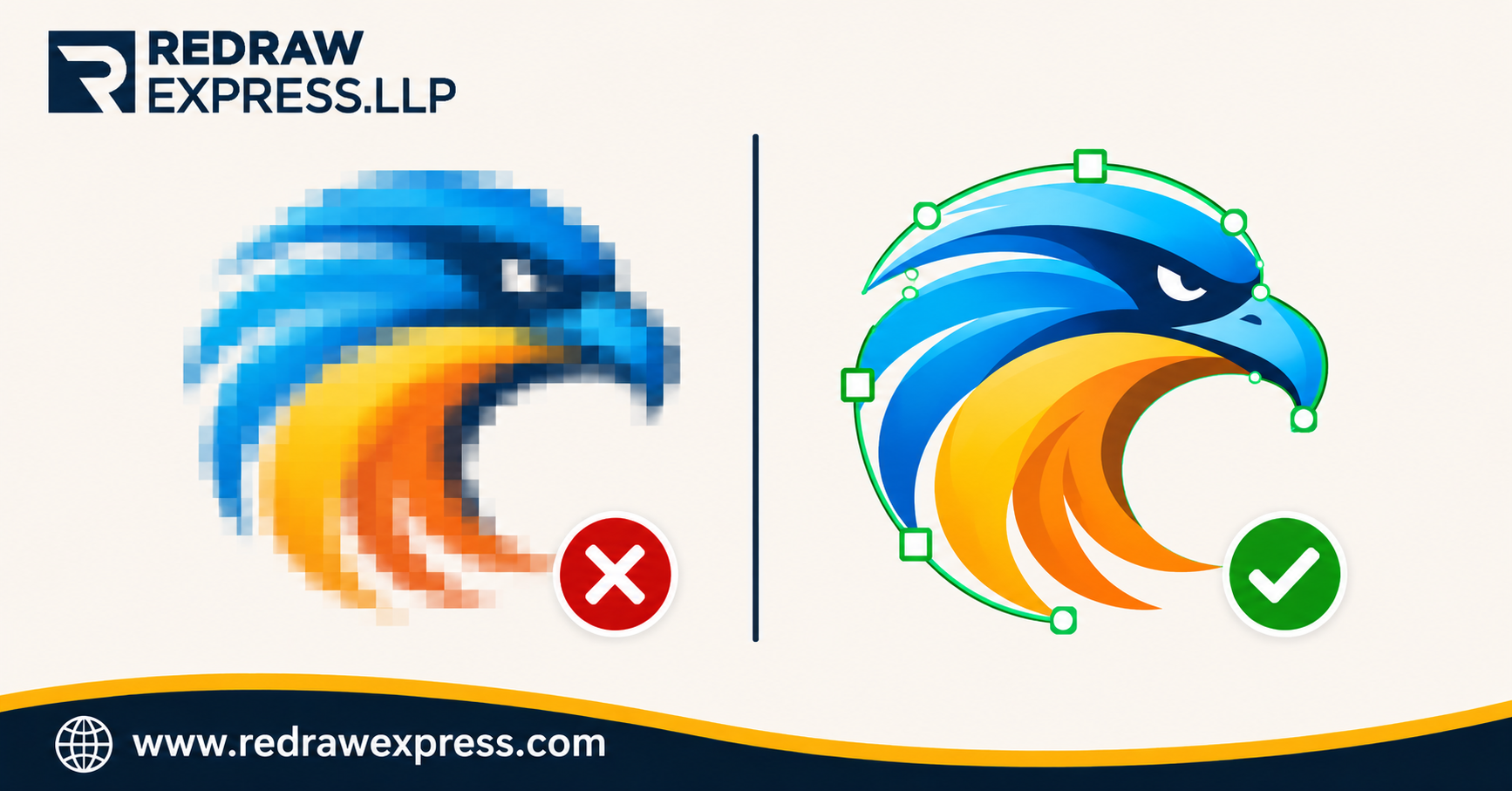
- Low-resolution JPGs and PNGs. Pulled from a website or a social media profile.
- Screenshots and phone photos. Skewed, shadowed and cropped.
- Logos in Word, PowerPoint or PDF with flattened layers. Impossible to edit cleanly.
- Too many colors. Gradients and shadows that screen printing and embroidery cannot reproduce directly. (We cover this in detail in our guide to gradients and photo-style logos.)
- Missing fonts. The text changes the moment someone opens the file.
- Wrong size. A 2-inch graphic that must now fill a 12-inch banner.
- Old, damaged files. Faxed, scanned or copied so many times the shapes have lost their edges.
None of these files is the customer's fault. Most customers do not know the difference between a screen image and a production file. Your job is to know it for them.
Why Fixing It In-House Does Not Scale
Many shops handle this by asking a staff member to "clean it up." It works for a while. Then volume grows.
Here is what usually happens:
- The fix depends on one person. When they are out, jobs stall.
- Quality varies. One person traces by hand. Another runs auto-trace and hopes.
- Busy weeks create queues, and queues create late orders.
- Nobody measures the time spent, so nobody sees the cost.
Auto-trace tools deserve a fair mention. They work on simple, clean shapes. They fail on small text, thin lines and fine detail, and they produce messy nodes that cause trouble later in production. We explain the difference in our blog on hand-drawn vector versus auto-trace.
The real issue is not skill. It is process. Without a clear artwork step, every job becomes a one-off decision.
How to Fix It: Build a Simple Artwork Intake Process
You do not need new software. You need a repeatable step before production starts.
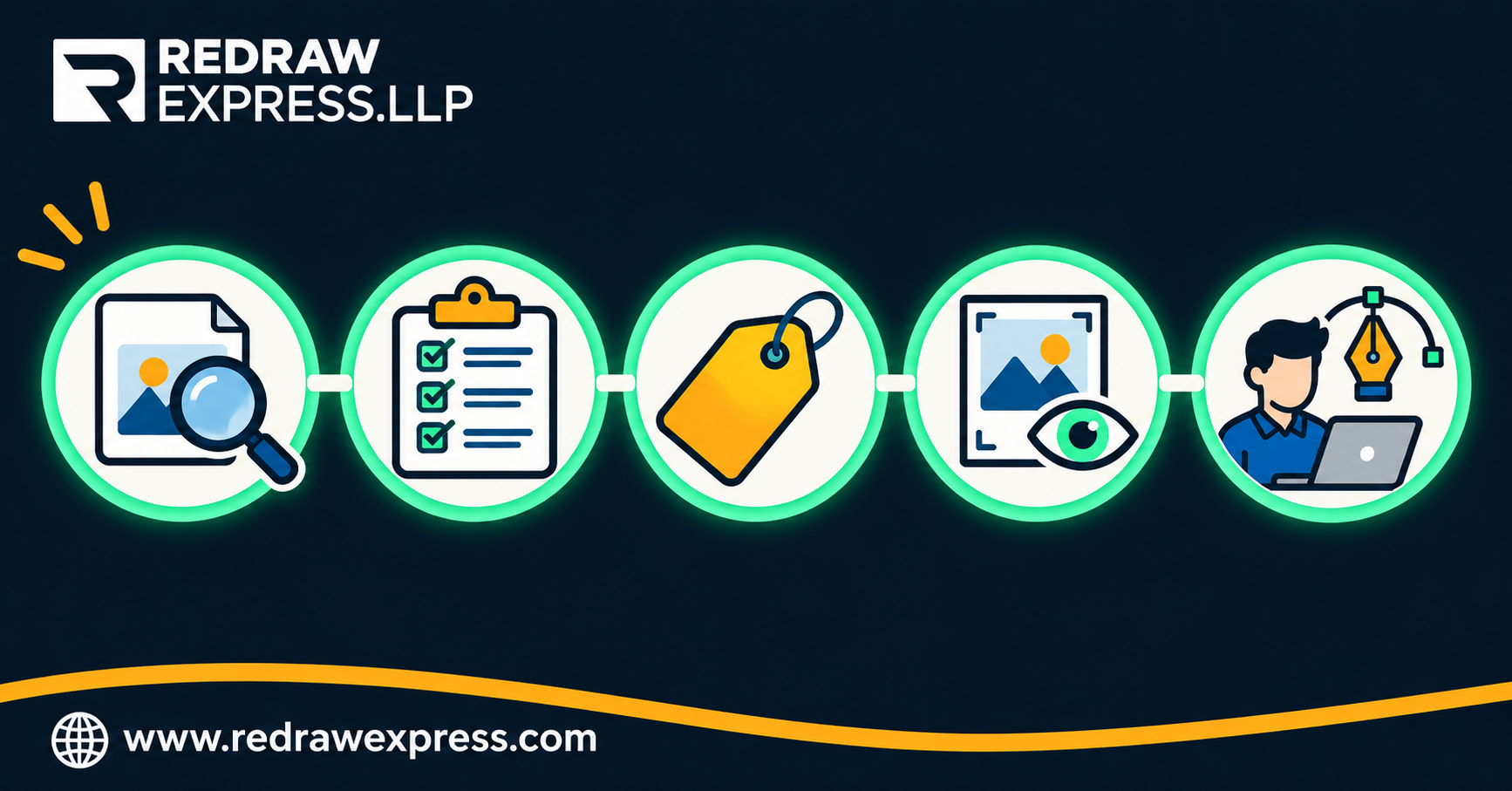
Step 1: Check Every File on Arrival
Open each file at 100% and at 300%. Look at edges, text and colors. If the edges break up, the file is not ready. A two-minute check at intake saves two hours later.
Step 2: Tell Customers What You Need
Publish a short artwork guide on your website and quote forms. Keep it simple:
- Preferred formats: AI, EPS, SVG or vector PDF
- Minimum resolution for raster files: 300 dpi at the print size
- Fonts: outlined or supplied
- Color: Pantone or CMYK values where possible
Most customers want to help. They only need to know how.
Step 3: Offer Artwork Cleanup as a Priced Service
Do not hide the cost. Add a clear line item for vector conversion or artwork setup. Customers accept a fair, visible fee far more easily than a surprise delay.
Step 4: Send a Proof Before Production
A proof catches the problem while it is still cheap. Use Pre-Press and Virtual Proofs so the customer approves the exact result, and you never debate it after the run.
Step 5: Route Complex Work to a Specialist
Some files need more than cleanup. Embroidery needs a stitch file built for the machine, not an image dropped into software. Read why in Embroidery Digitizing: The Stitch File Behind Every Great Order.
What "Production-Ready" Actually Means
A production-ready file is one your team can use without touching it. Check for these:
- Clean vector shapes with smooth curves and no stray points
- Text converted to outlines
- Colors separated and named, with a clear count
- Correct size for the final product
- Transparent background, not a white box
- Formats matched to the process: vector for screen print, sign and print work, and a stitch file for embroidery
If a file meets this list, production runs smoothly. If it does not, someone pays to fix it. The only question is who, and when.
Build or Outsource? A Practical Way to Decide
Keep artwork in-house if you handle a few jobs a week and have a skilled person with spare time.
Outsource when:
- Jobs arrive faster than your team can clean them
- Your production staff spend hours on artwork instead of production
- Turnaround matters more than doing every step yourself
- You want consistent quality across every job and every operator
A dedicated Graphic Design Agency gives you predictable cost per file, fast delivery and trained artists who do this all day. Many shops start by sending only their hardest files, then expand once they see the time saved.
Not sure a vendor can deliver? Test one first. We explain how in How to Test an Artwork Vendor: Why We Offer a Free 30-Minute Sample File.
Conclusion
Customer-supplied artwork will always arrive in imperfect shape. You cannot change that. You can change what happens next.
Check files at the door. Tell customers what you need. Price cleanup openly. Prove the result before production. Send the hard files to specialists.
Do that, and weak artwork stops being a hidden cost. It becomes a managed step, and a reason customers trust your shop.
Call to Action
Redraw Express LLP is a Graphic Design Agency built for promotional product distributors, print shops, apparel decorators, screen printers, sign companies and embroidery digitizers. We turn customer-supplied artwork into production-ready files through Vector Conversion, Embroidery Digitizing, Pre-Press and Virtual Proofs, and Mockups.
Send us the file that keeps slowing your team down. If it can be completed in about 30 minutes, the first sample is on us.
Request your quote at redrawexpress.com